Portfolio Project
the process...
This portfolio was made using Visual Studio Code with HTML, CSS, and JavaScript. I wanted a better way to showcase all my projects besides having them as repositories on github. I feel I can also express my creativity and design skills through each individual website! This page explains my thought process behind each page and some changes I decided on for the final product.
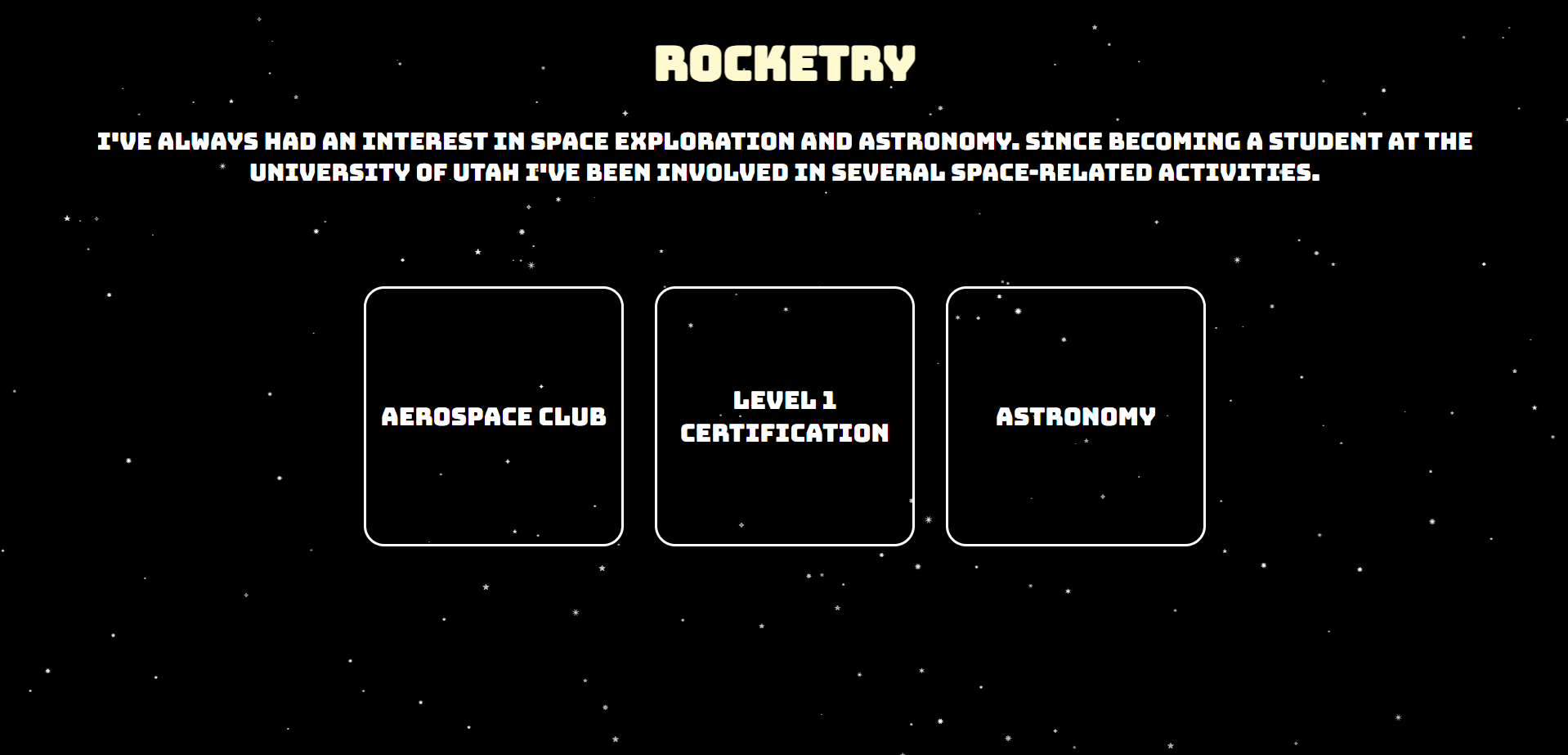
The rocketry page was the second page I designed for this portfolio. I originally had all rocketry pages combined onto one page. I also didn't take in account scaling on different screen sizes until I was testing the domain out with my phone. I ended up refactoring the page by moving each category to their own page as well as creating the padding with viewport height and width in mind. I still wanted to keep the star background for each page since it fits the rocketry/space theme so well!
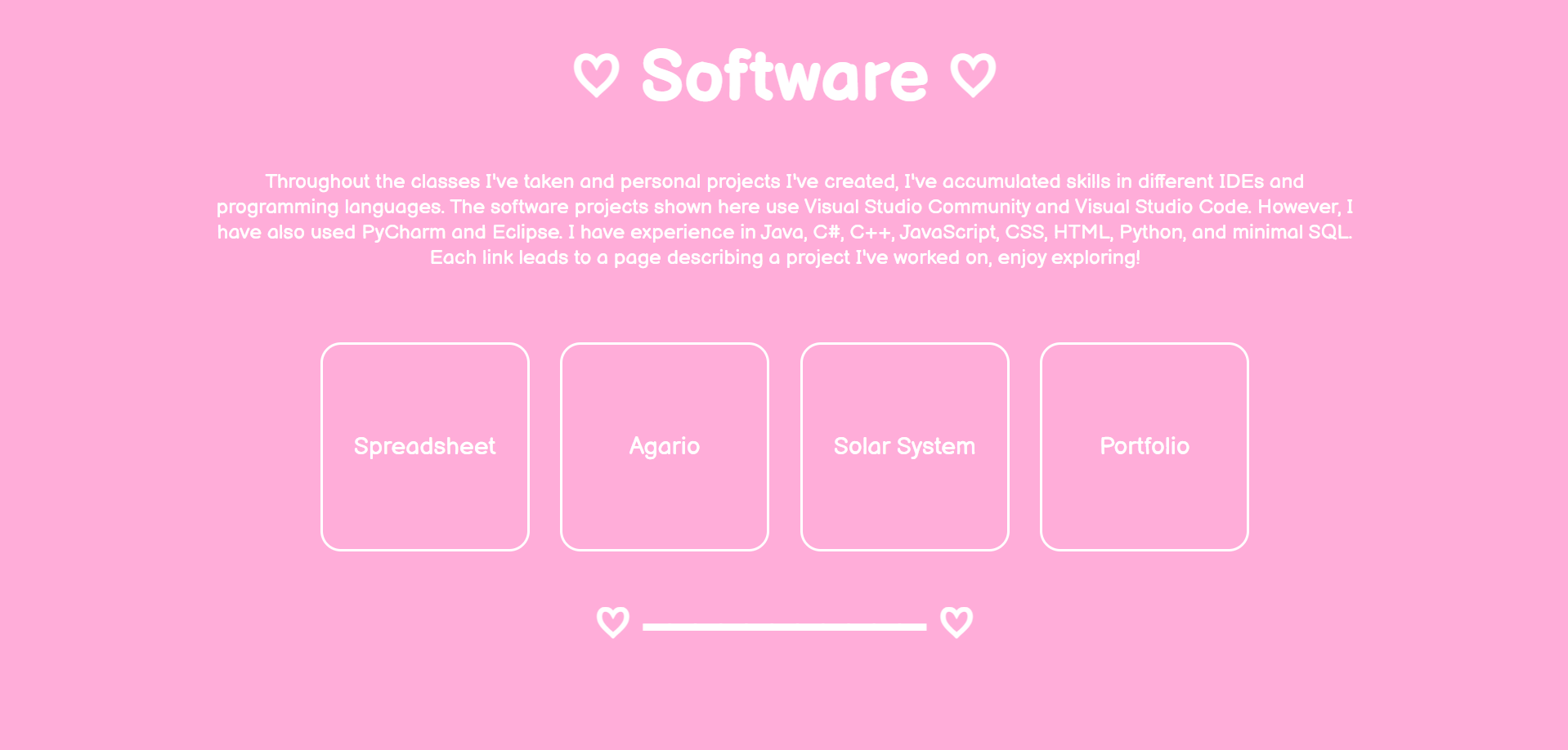
The second main directory page I designed was the software directory, I was still deciding on what theme I wanted to make each page which is why it's very simple. I originally was going to make every software page appear on this directory, however, I decided to also split them up onto their own pages. I made it pastel since I usually go with a pastel theme with most UI I make for software! So, I ended up keeping the software page a simple pastel pink with directories to the various softwares I worked on. I added a few heart designs so it wasn't too simple.
The spreadsheet page was the first project description page I made for this portfolio! Just like the software directory, it has a pastel theme because of its UI being pastel. I decided to place images left and right throughout the page with boxes of text next to them explaining how certain components were created. Just like most software/game pages, I provide a video that showcases the software/game in action! Although this page has a simple design, I feel that it fits the design of the software.

The solar system project page uses the same code as the rocketry pages for the star background. I used the JavaScript from this project for the webpages that have stars! I wanted to do something slightly different with the background though so I didn't repeat the rocketry page design, so I made it gradiant with cold colors. I also wanted to make it so the UI, such as the menu bar at the top, were floating. So, I only put white boarders around the UI to make it more space-themed.

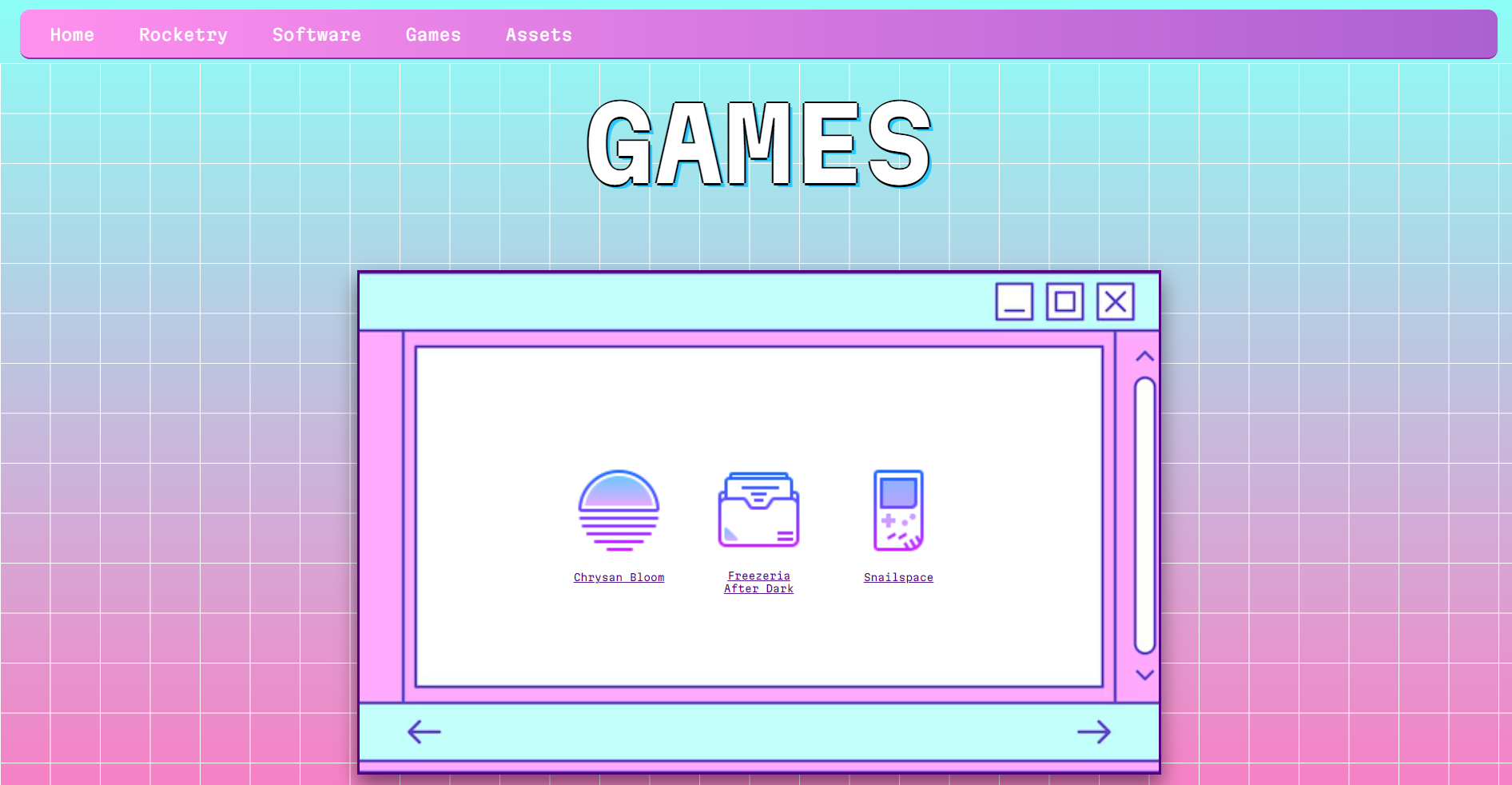
For the games page, I decided on a vaporwave style! I love the early 2000s vaporwave style, and I feel it would fit best for a directory towards games I've worked on. I decided to make the buttons for the games be files rather than large buttons like other directories. So, when you press on the 'buttons' it seems like you're opening up the game! This was also the first webpage where I played around more with the background, such as the grid on top of the gradiant. I had the most fun making this page!
For the games developed during gamejams, I kept the same color scheme from the itch.io page. Freezeria after dark has a red theme to it since it was a horror game made for a gamejam. If you were to visit the itch.io page of it, you would see that it has the same color scheme. I also make sure that the summary is brief along with mentioning what tools were used to develop each game. I also include a demo video of the game which makes it easier to display the mechanics and overall feel of the game.

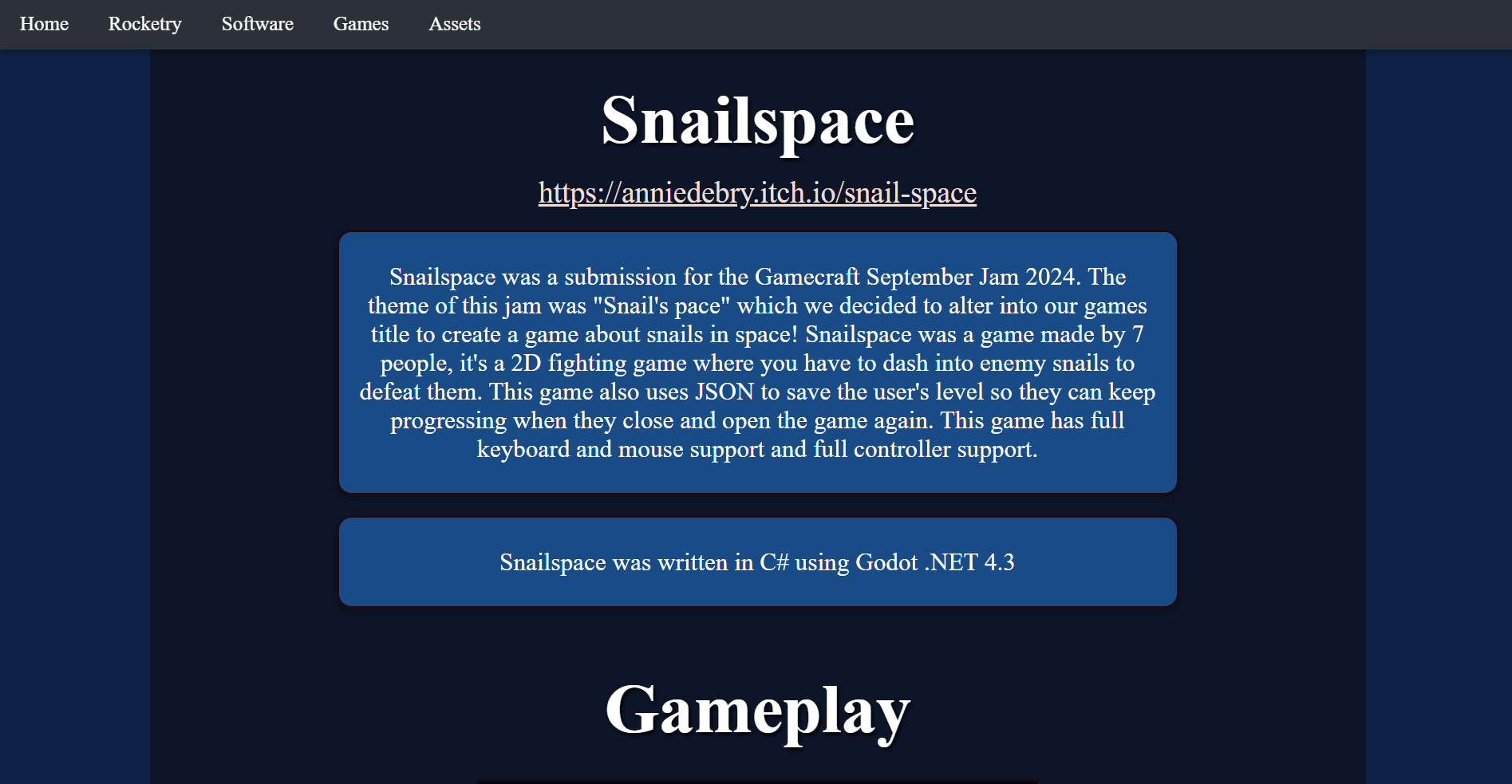
Like I said before, I take the color scheme from the itch.io pages for the gamejam games. Just like Freezeria After Dark I make sure to include a brief summary of the game and game making process along with a demo video. The demo video for Snailspace was made by one of the people who helped develop the game, they decided to make a trailer! Although the design is simple, I think it gets it's point across with displaying Snailspace.
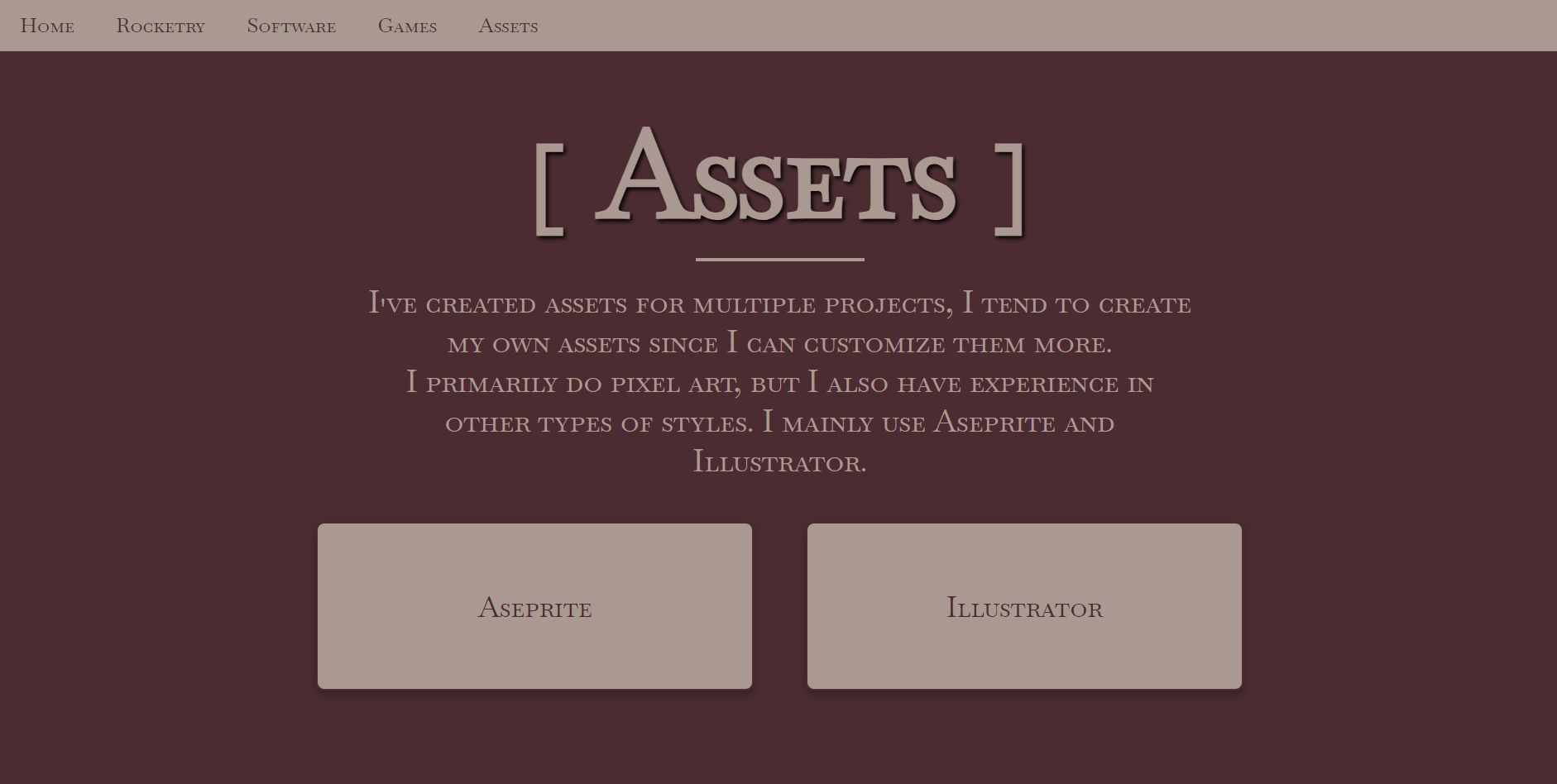
For the assets page, I had trouble picking a theme since originally I was going to put all my assets on one page. However, the color schemes for aseprite and illustrator don't clash well. I ended up deciding on a dark academia style with browns and beiges, and I decided to split up the two softwares I use for asset creation.
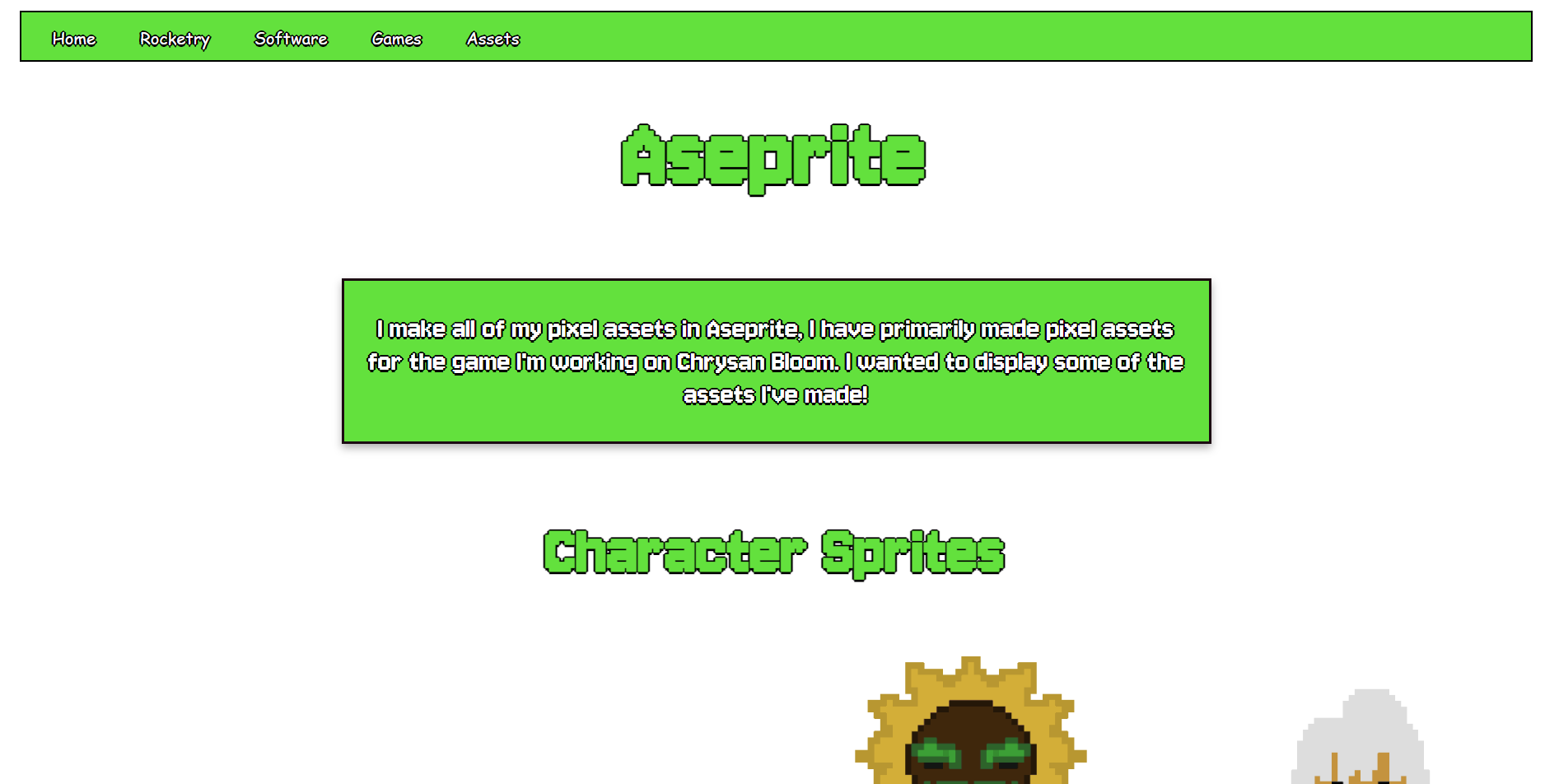
The aseprite page follows a lime green theme with pixel font since I thought it would match the software perfectly. I had trouble thinking of how I want to split up my assets for display. Since most of them come from Chrysan Bloom, I just split them up based on categories such as furniture, tile sets, characters, etc. At first I was going to implement a carousel type displayer in CSS, however, I didn't want to make the user scroll through everything. So, I ended up adding headers for each category and displaying all assets that fall under that header! For animation sprites, I converted them into gifs instead of displaying their character sheets. Overall, I am very happy with how this webpage turned out.
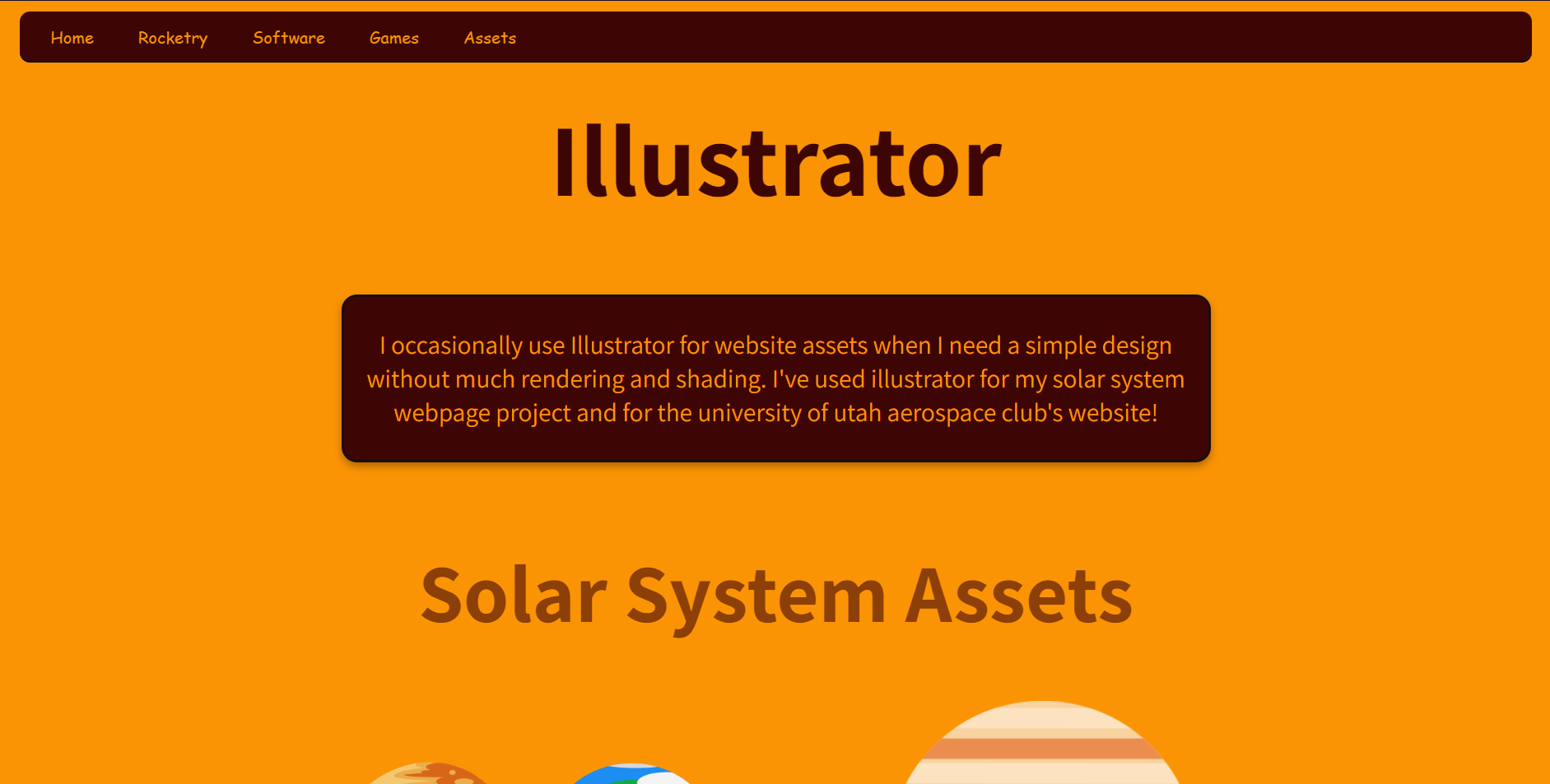
For the illustrator page's color scheme, I took a screenshot of the logo and color picked from it. I also found the font Adobe uses for illustrator and applied it to this webpage. I split the assets up based on what they were made for since I use Aseprite more than I use illustrator for game assets. Therefore, I have a solar system project category and an aerospace club category.
Thanks for reading! I put a lot of work into this portfolio so I appreciate anyone who cares to explore it :D