Gradify
Gradify was a website created in the class Web Development I that mimics the capabilities of Canvas. User is able to login as a super user, teaching assistant, or student. Each user has different permissions for changing grades or viewing specific pages. This website was created using HTML, CSS, JavaScript, Django, Python, AWS, and JSON.
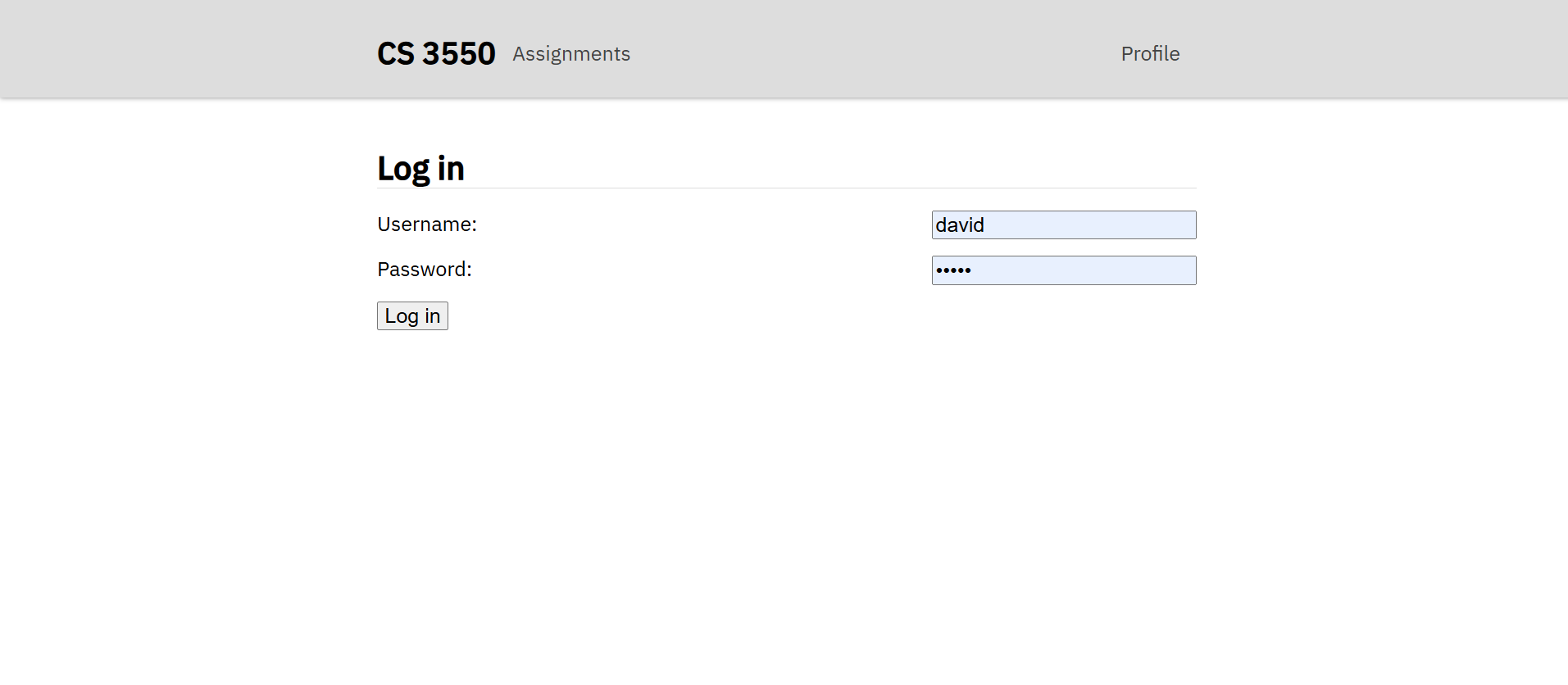
User authentication is very important for Gradify, only teaching assistants and super users are able to adjust grades and add new assignments while students are only able to view their grades and make new submissions. If you try and redirect the url to a specific page without logging in, you will be redirected to the login page until you are authenticated.
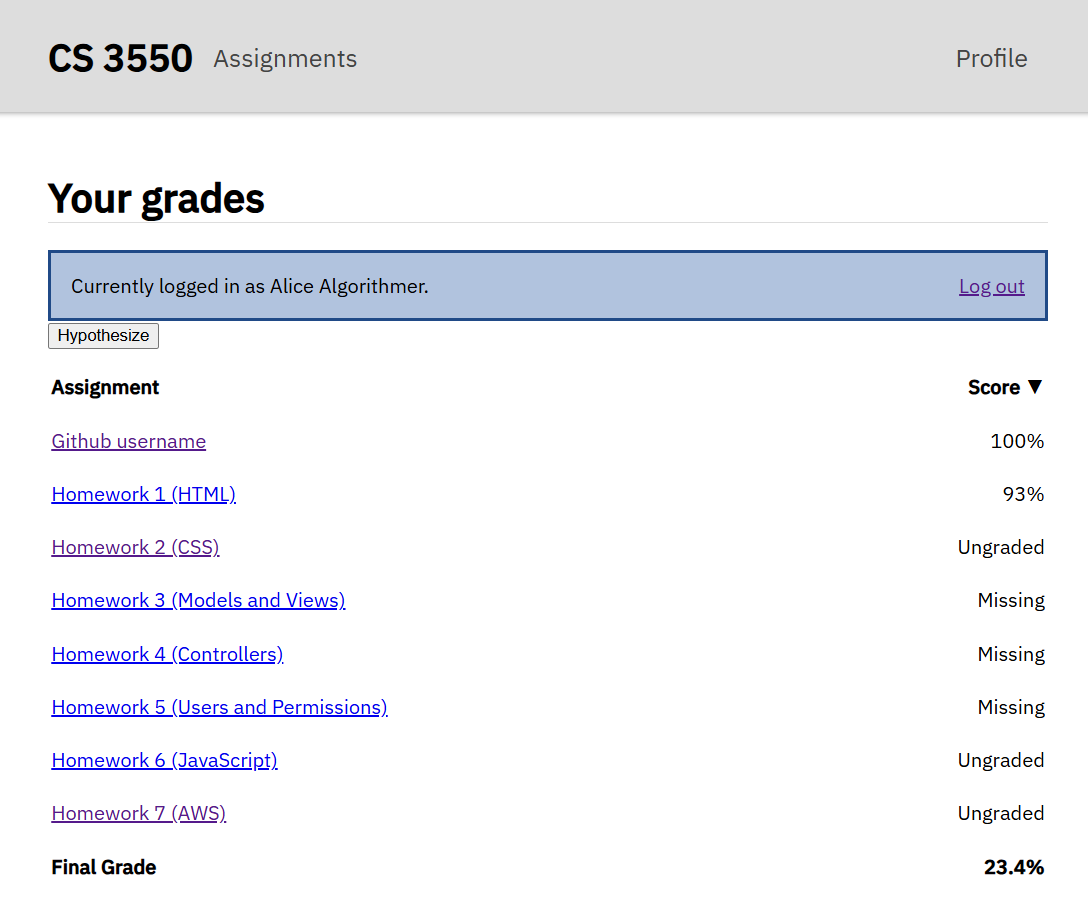
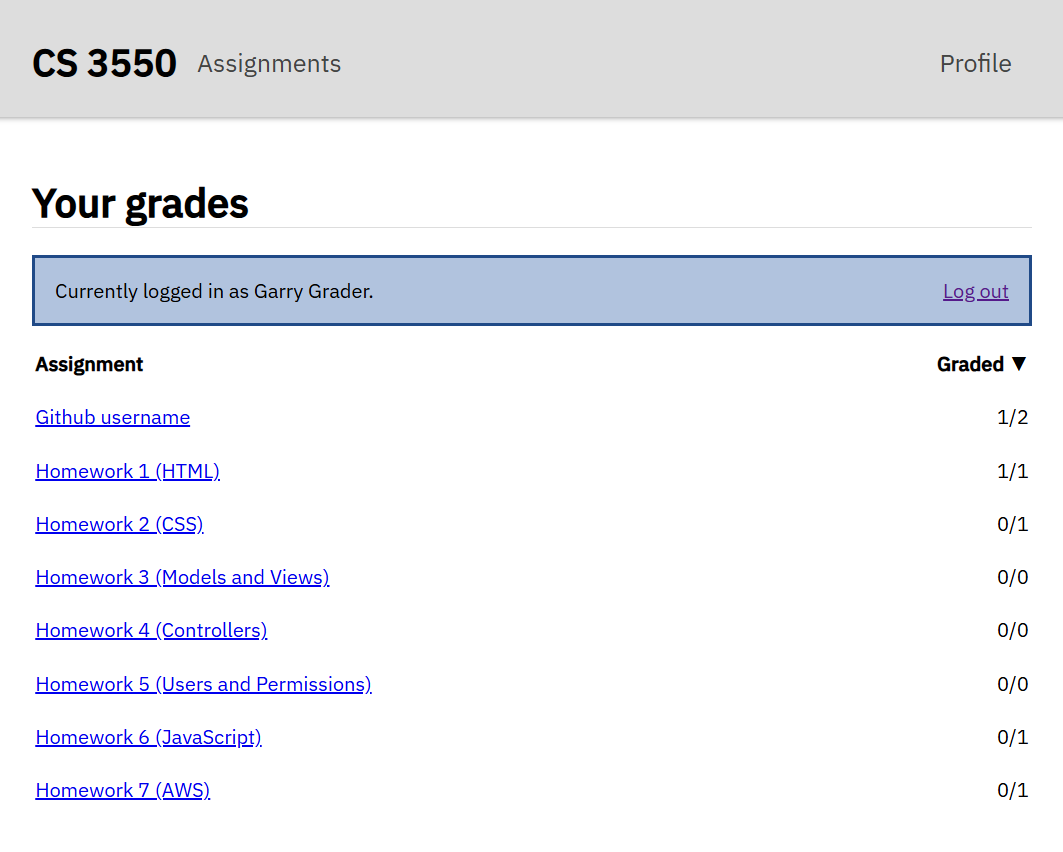
TAs and students have different views for the same page, below is a showcase of what the profile page would look like for a student compared to a TA's view. TA's are assigned assignments to grade while student would view the grade they have on the assignment or the status of the grading on the assignment.
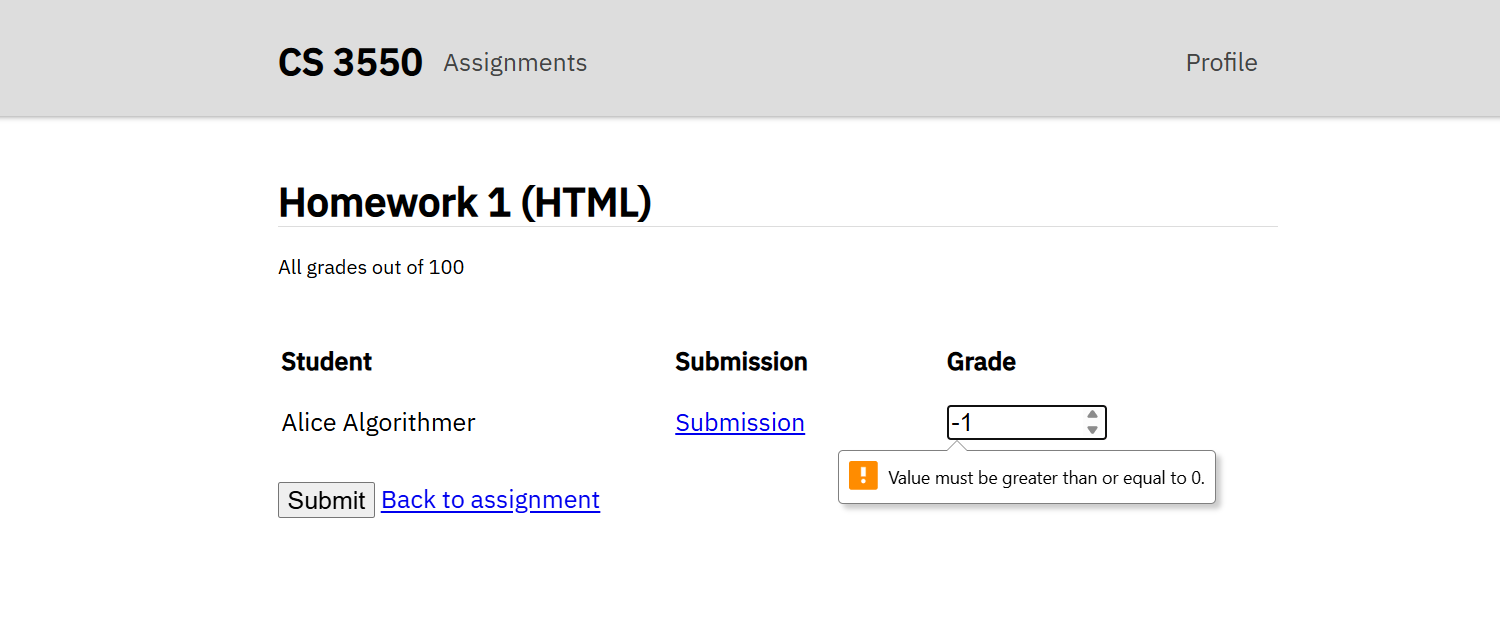
For changing the grades in submission, there is a constraint set in place that only allows values from 0-100. Anytime an out of bounds value is applied the website with notify the user that there's an error in the entry. Anytime a TA or super user updates the grade for a student, it'll make the change in the database and keep the updated value present if the page were to be reloaded.
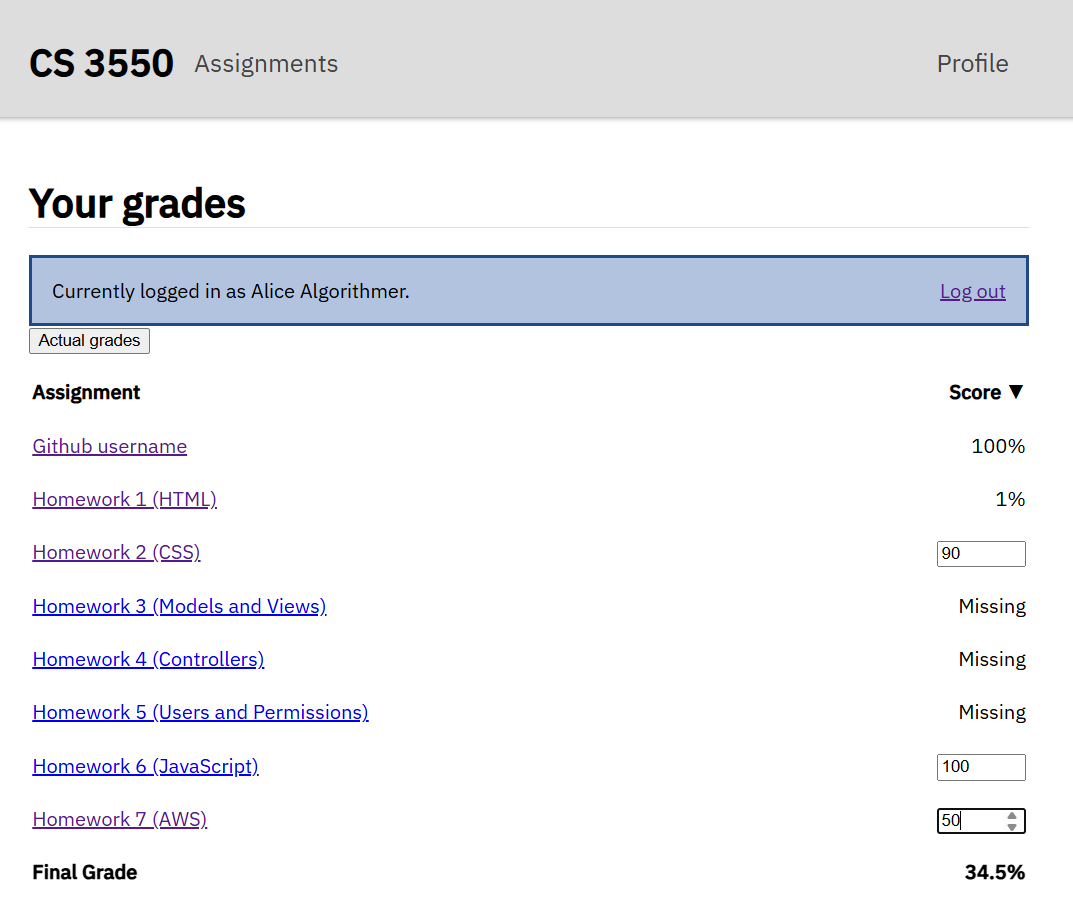
Students are able to press the 'hypothesize' button and test out different grades they could receive on ungraded assignments. The numbers put into the input boxes are immediately applied to the final grade. Students are able to switch between their actual grades and their hypothesized grades.